Stay at Zero the private, offline fasting timer
Minute-level fasting timer, calendar, and stats
Start free, no account required — no nagging paywalls.
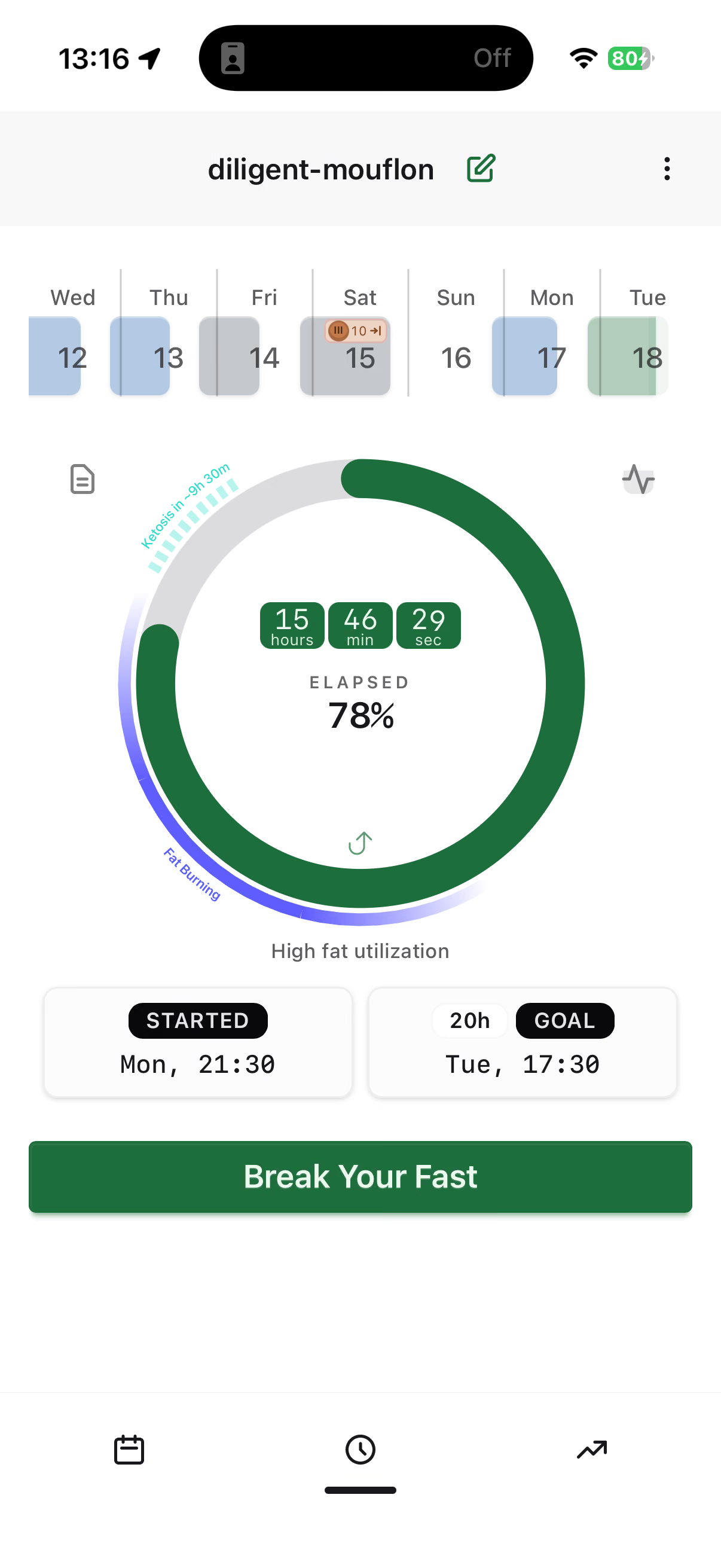
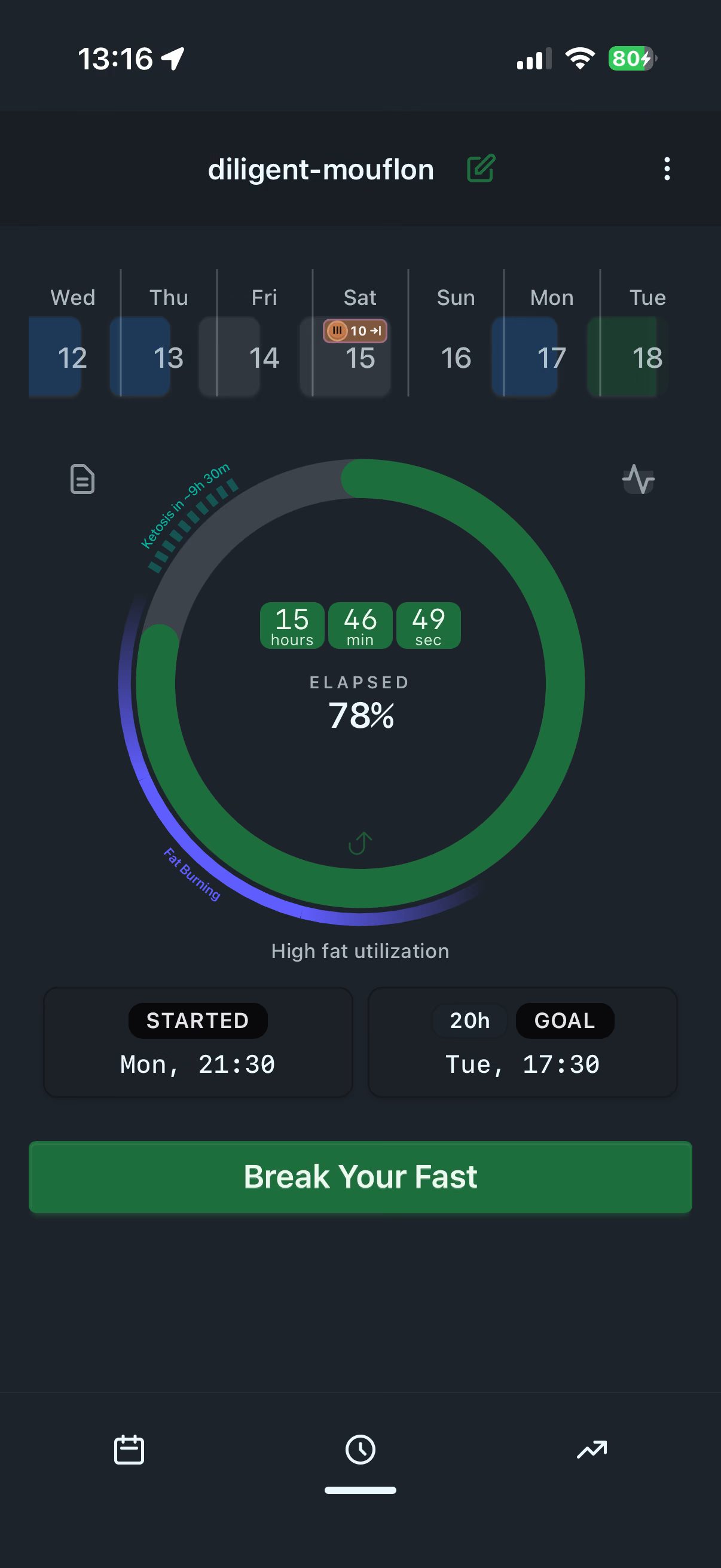
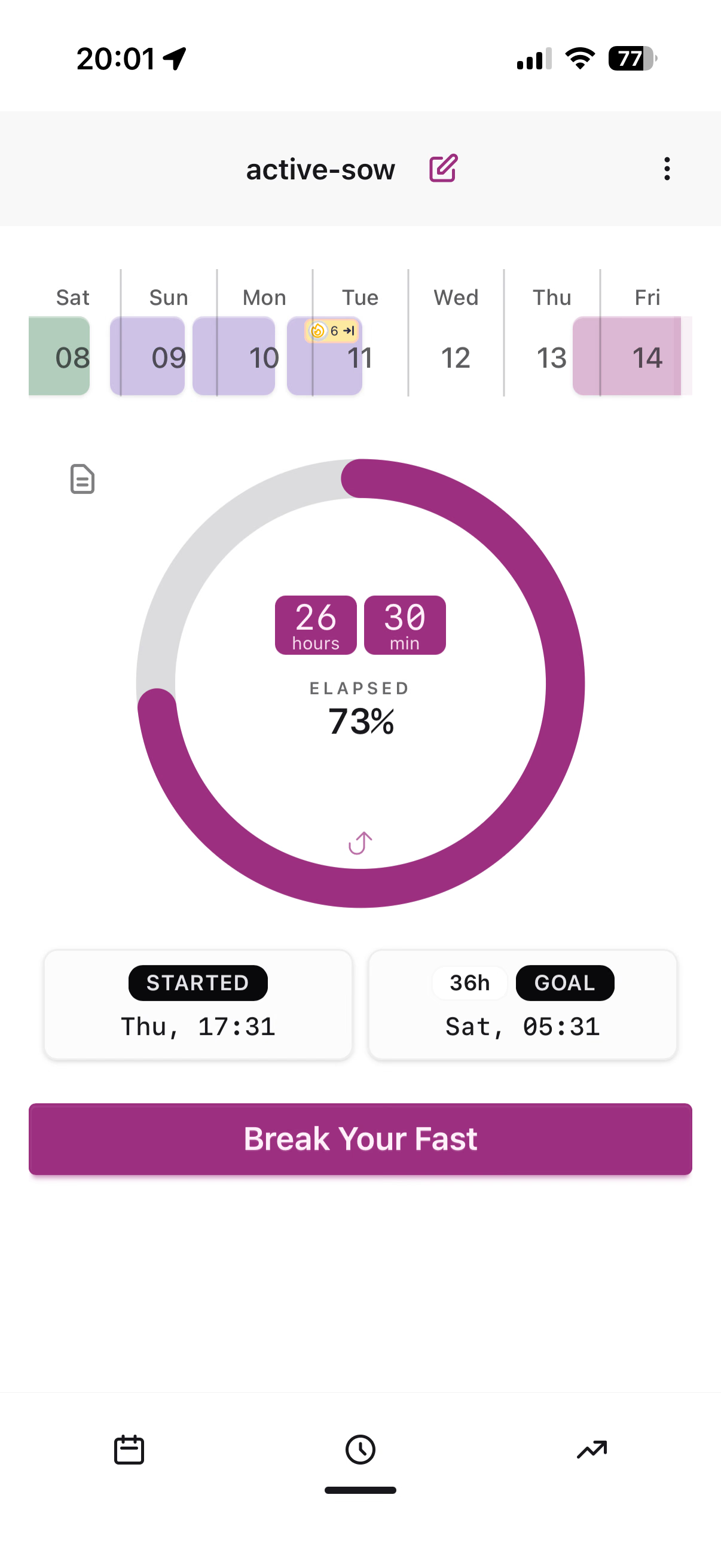
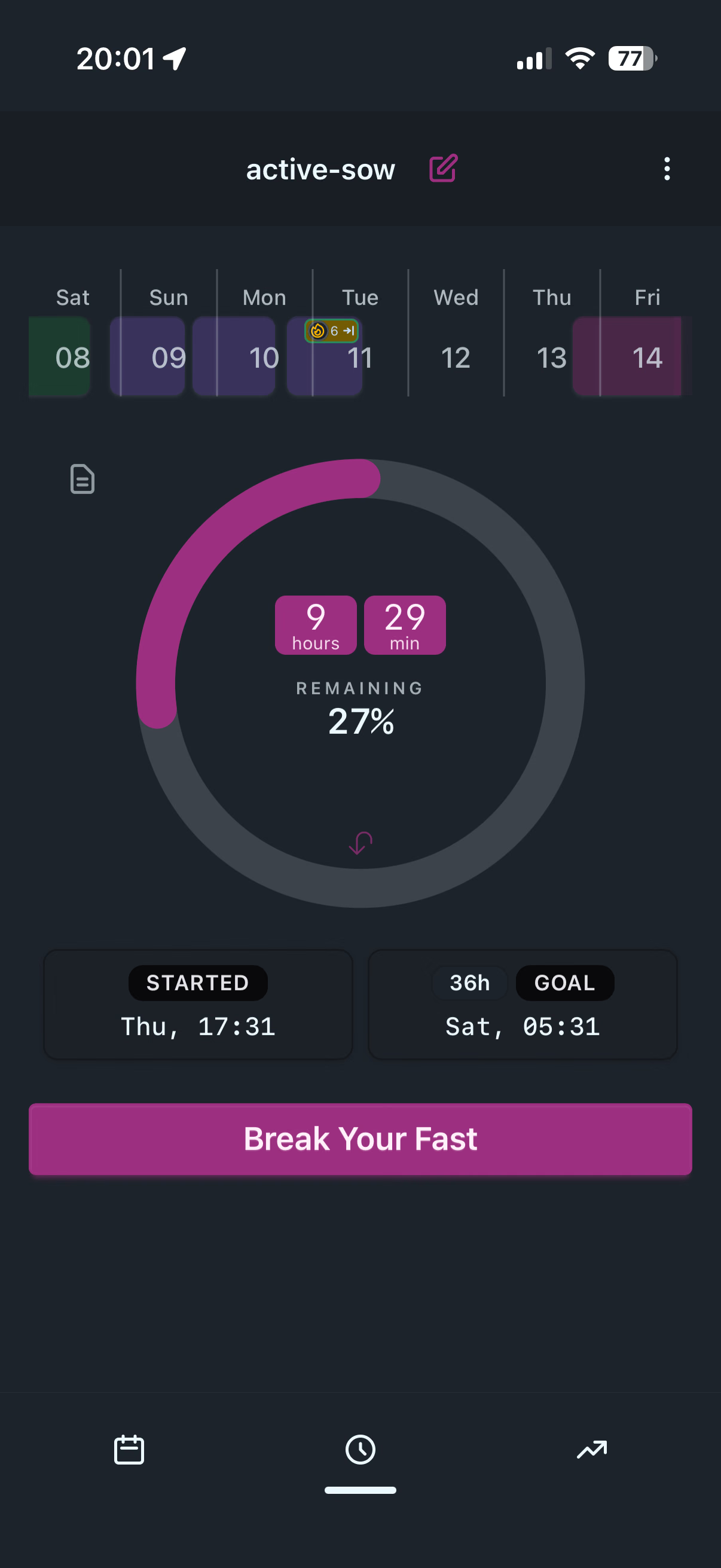
Goals
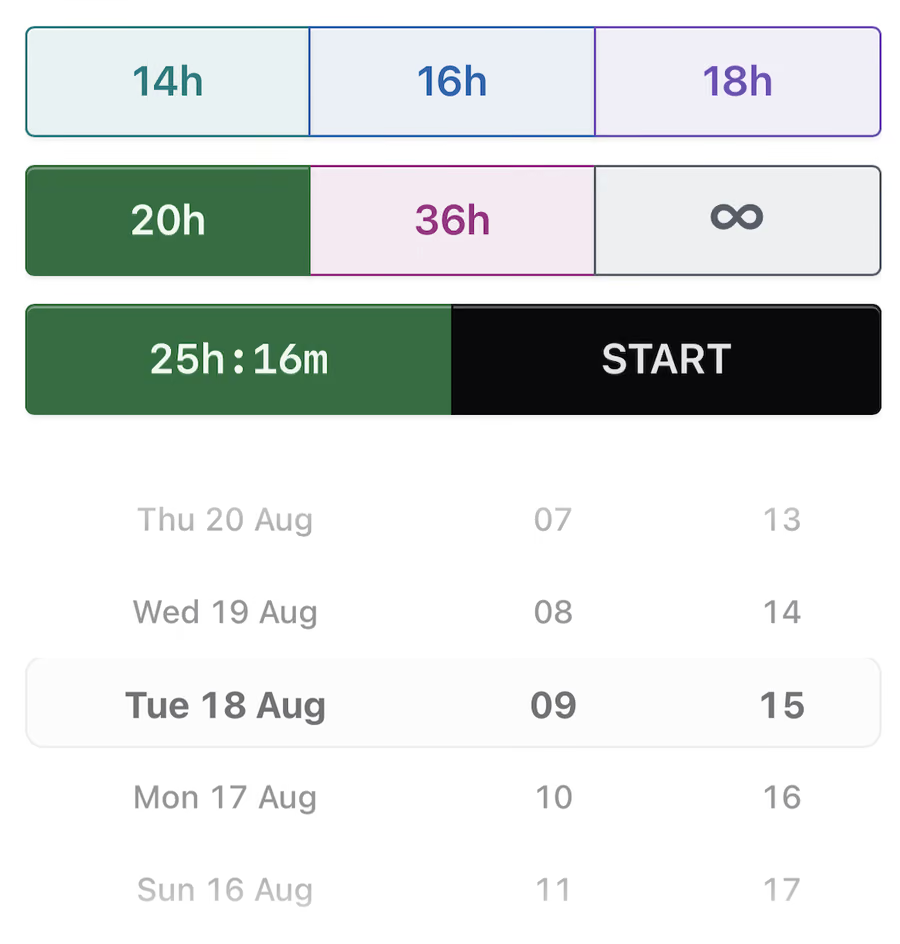
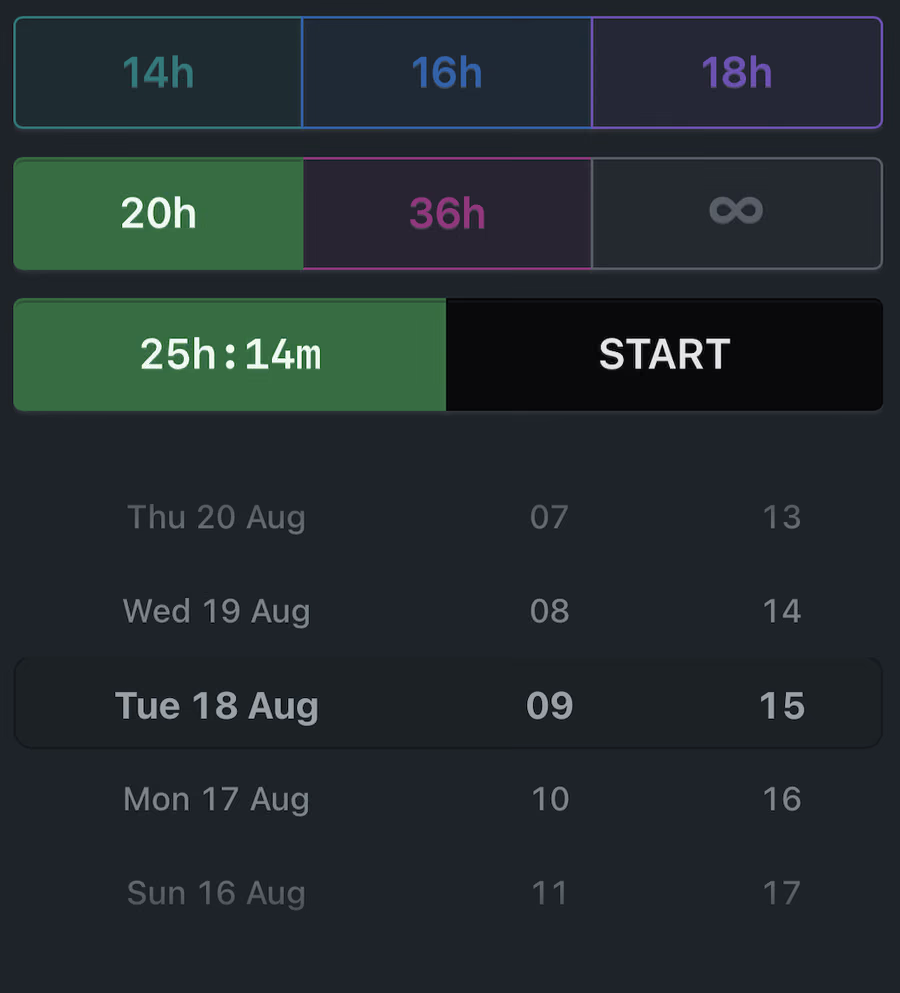
Goals are beginner-friendly for IF (intermittent-fasting) and shown as hours — e.g. 16h — not shorthand like 16:8.
- 14h 14:10
- 16h 16:8
- 18h 18:6
- 20h 20:4
- 36h longer sessions
- open-ended open fast
The app dynamically maps your goal to a matching IF-style preset — you don’t have to tap a fixed “18:6” and stay locked to it. Set an end for any moment, or pick the “18h” preset so you can continue shifting it in time in the same continuous action. The full fasting time counter interface supports that without losing simple, clear controls.
Fasting focused
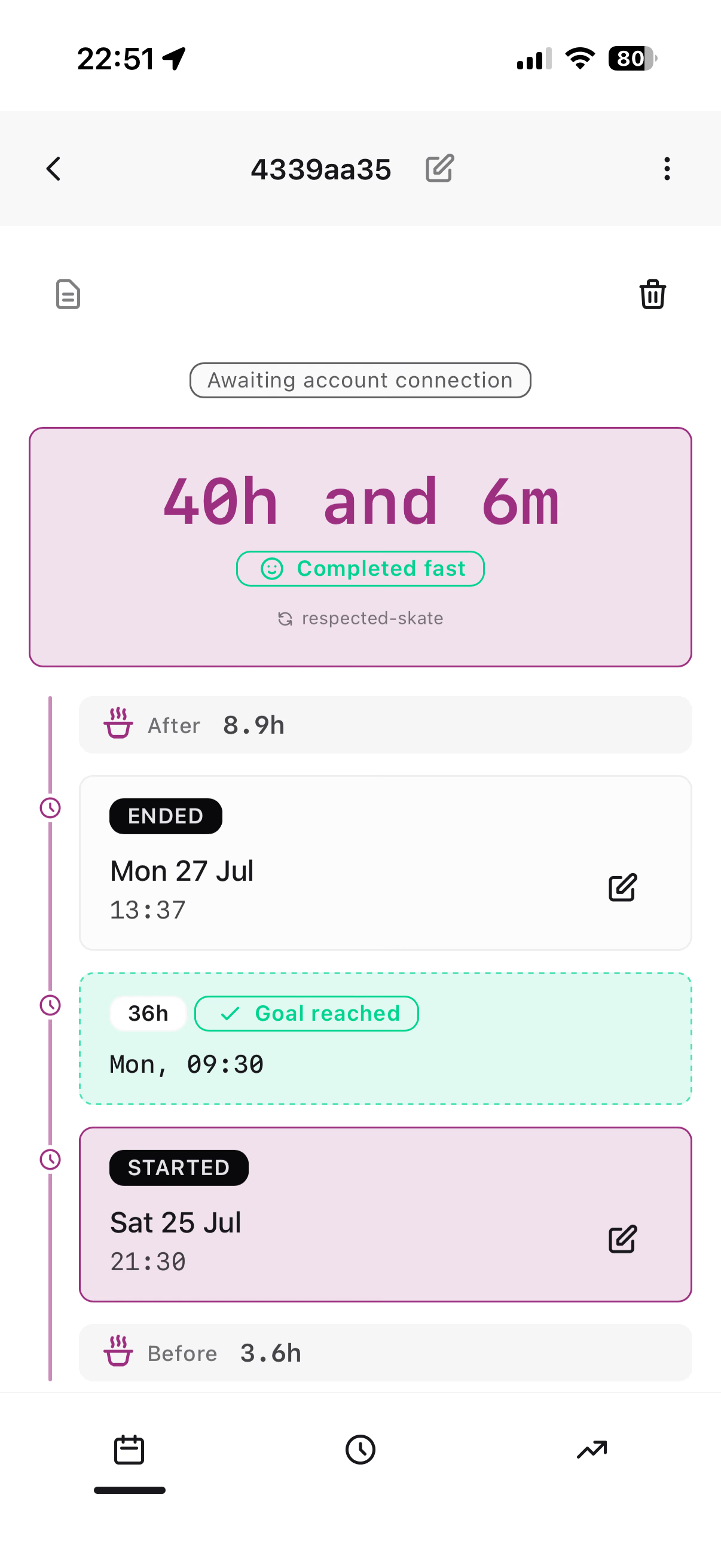
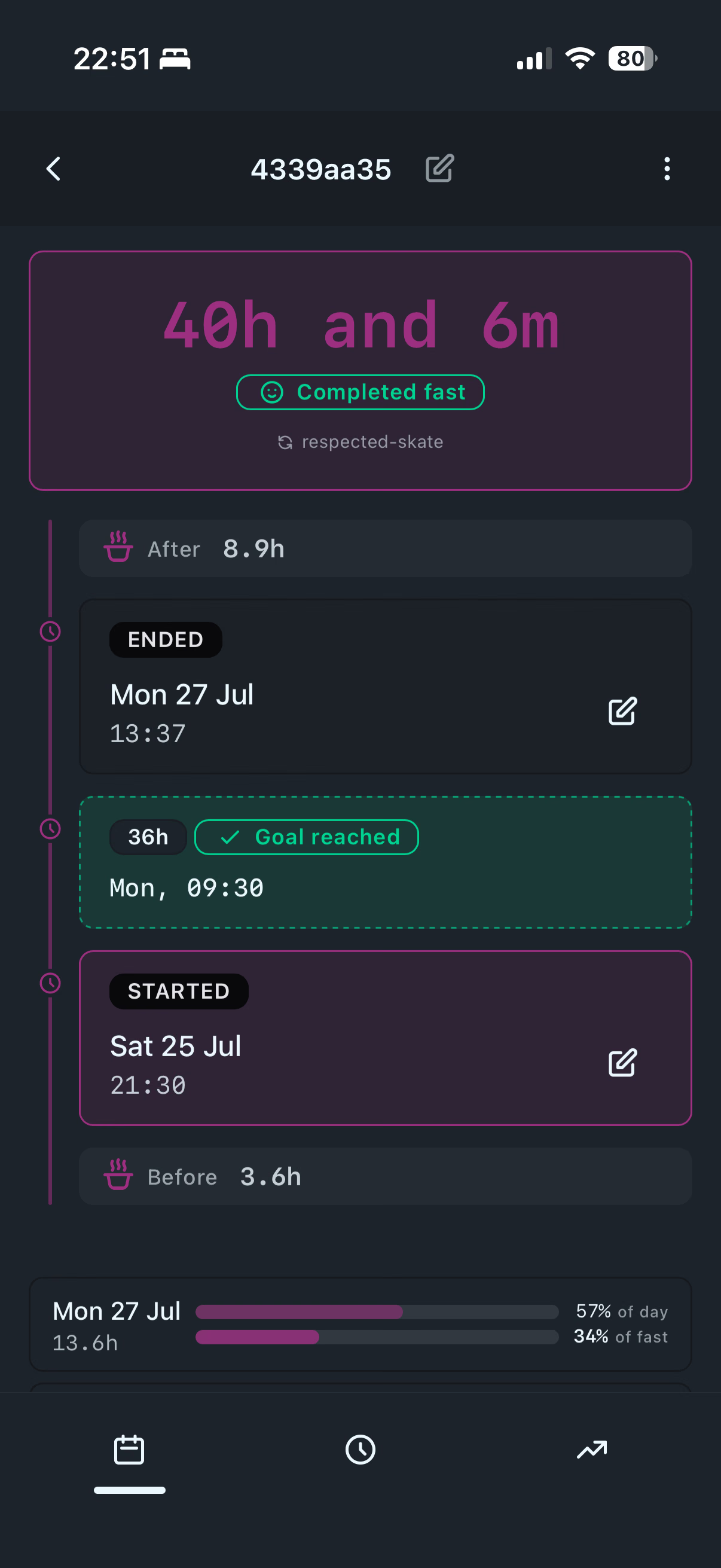
Review the whole fast
Start, goal, and end on one timeline. Completed or abandoned stays honest — no vanity metrics, no meal log crowding the session.
Science-informed
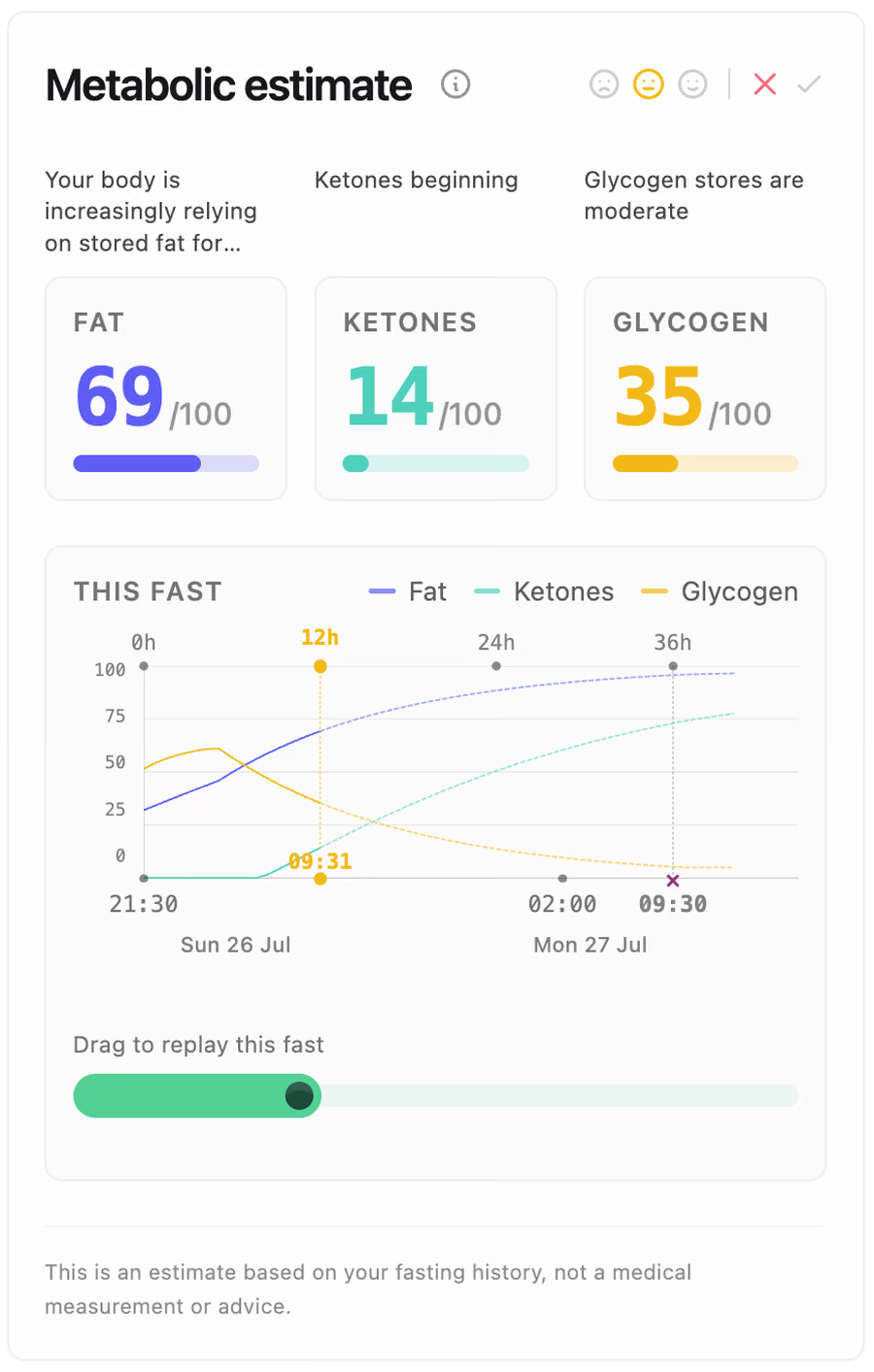
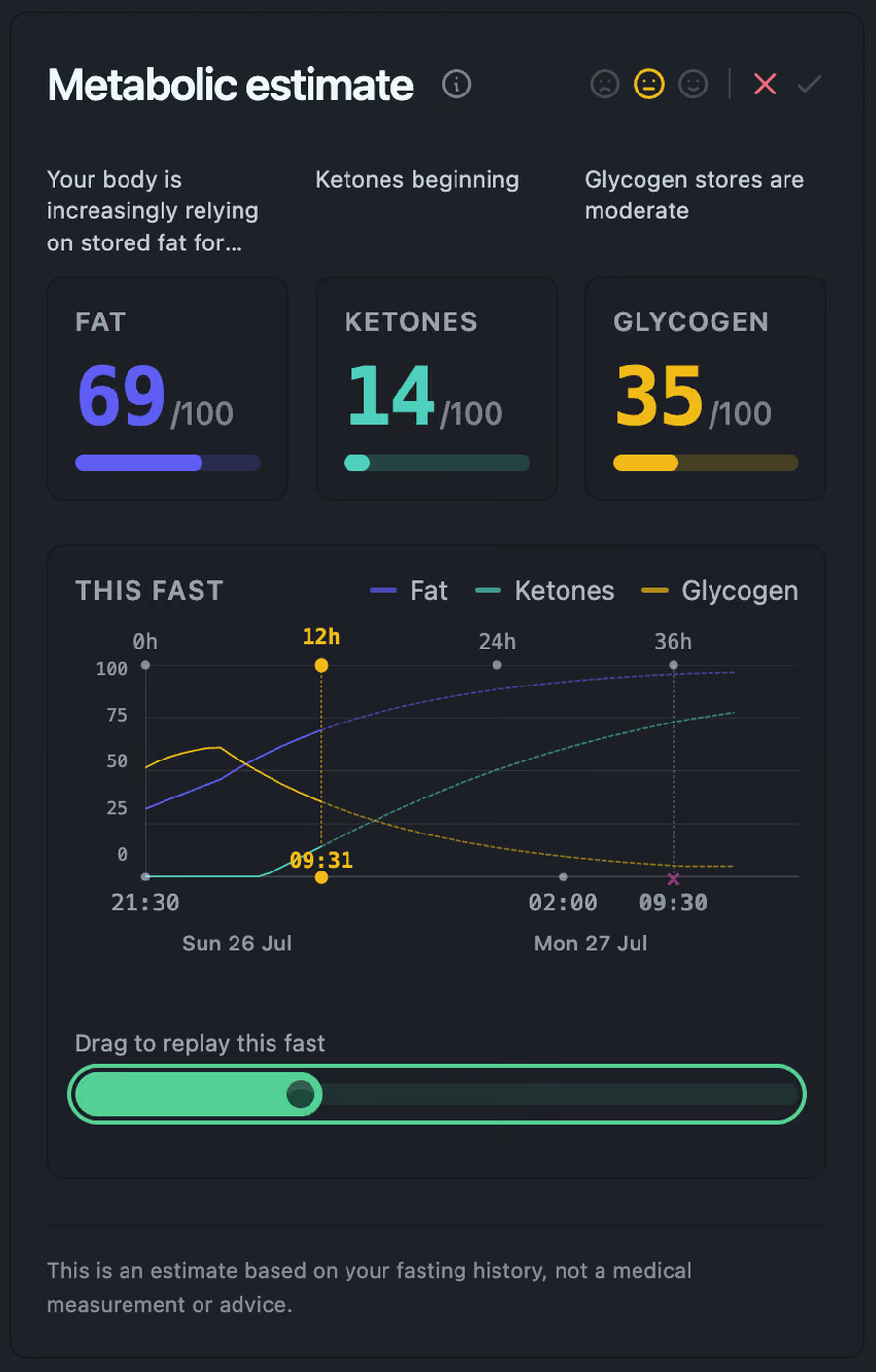
Metabolic estimate
Stay at Zero estimates soft fasting phases and orienting fat, ketone, and glycogen levels using physiology-based models. These are estimates — the best we can reasonably offer without blood tests or breath composition measurements. They are not medical diagnostics and not a rigid “ketosis after 16h” clock. They are a signal that, with a solid dose of probability based on statistics, helps indicate what is likely happening in the body at a given moment.
Their aim is to encourage continuing the fast in a way that helps a healthy body shift into the thrifty metabolism it is adapted for — and to gain the benefits that come with that.
Calculations draw on Health app data collected by devices like Apple Watch (activity and related signals), when you connect them*.
Calendar
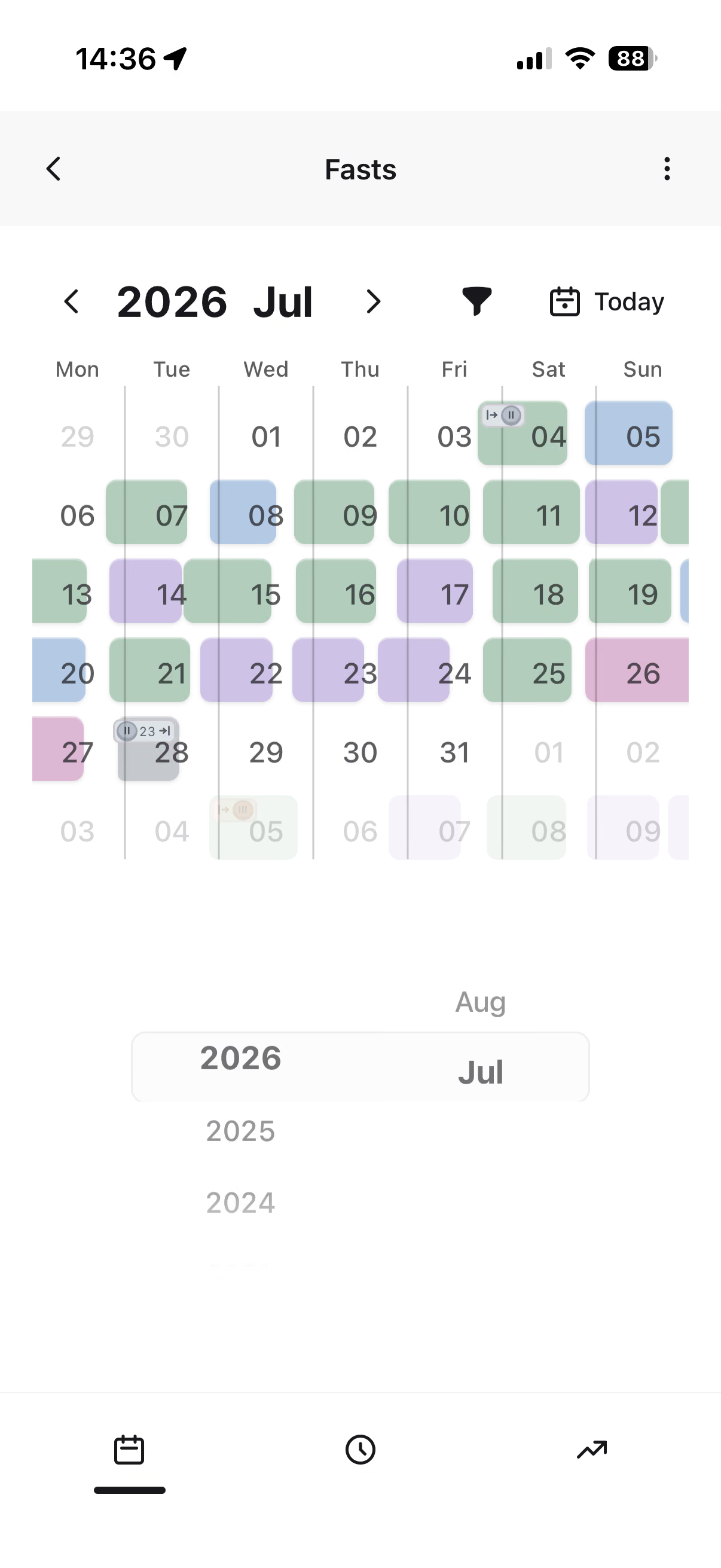
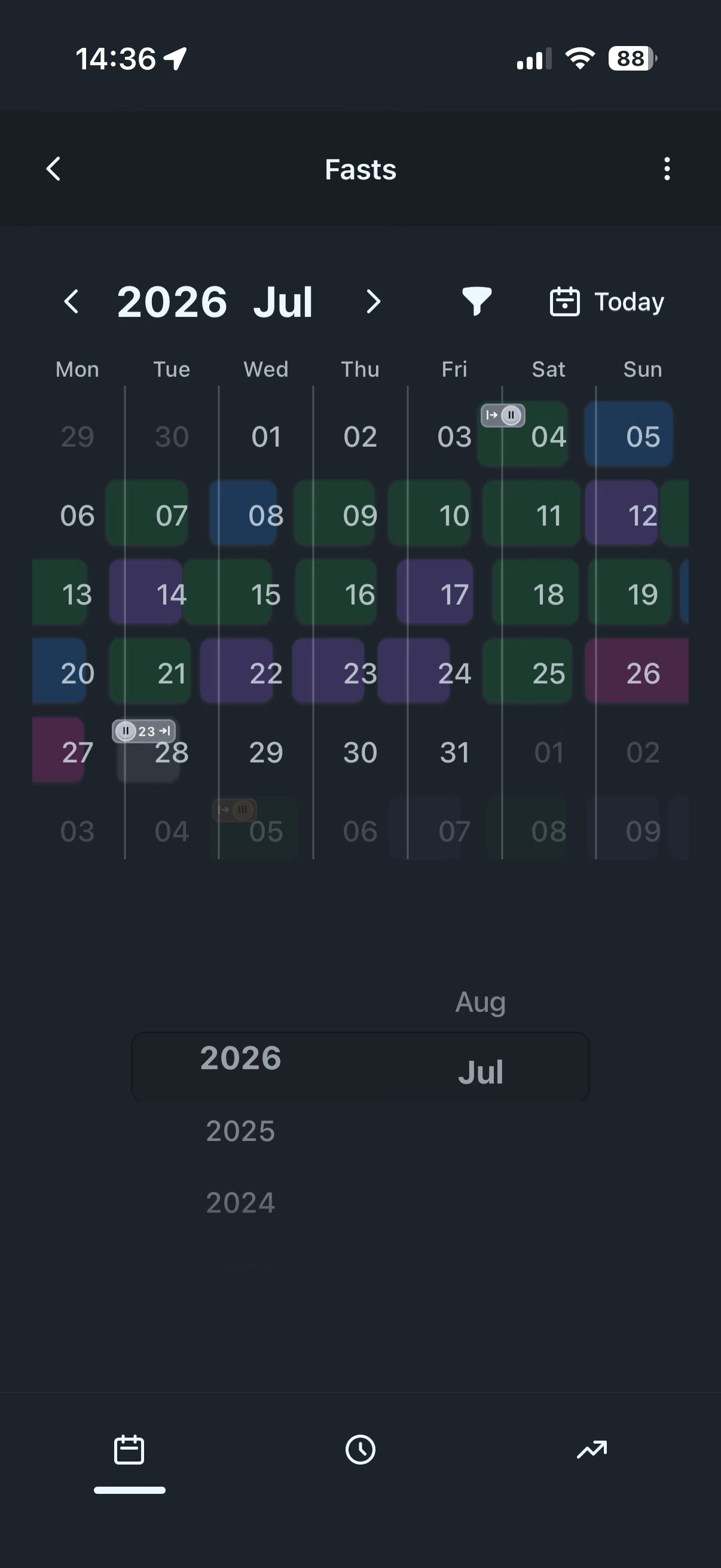
Browse your fasting history
The calendar shows your fasts with unusual clarity and nudges you to keep them going day after day — you see the streaks. The year’s best streaks earn medals. Your own little Olympics, where — as so often in life — you are your greatest rival.
Statistics
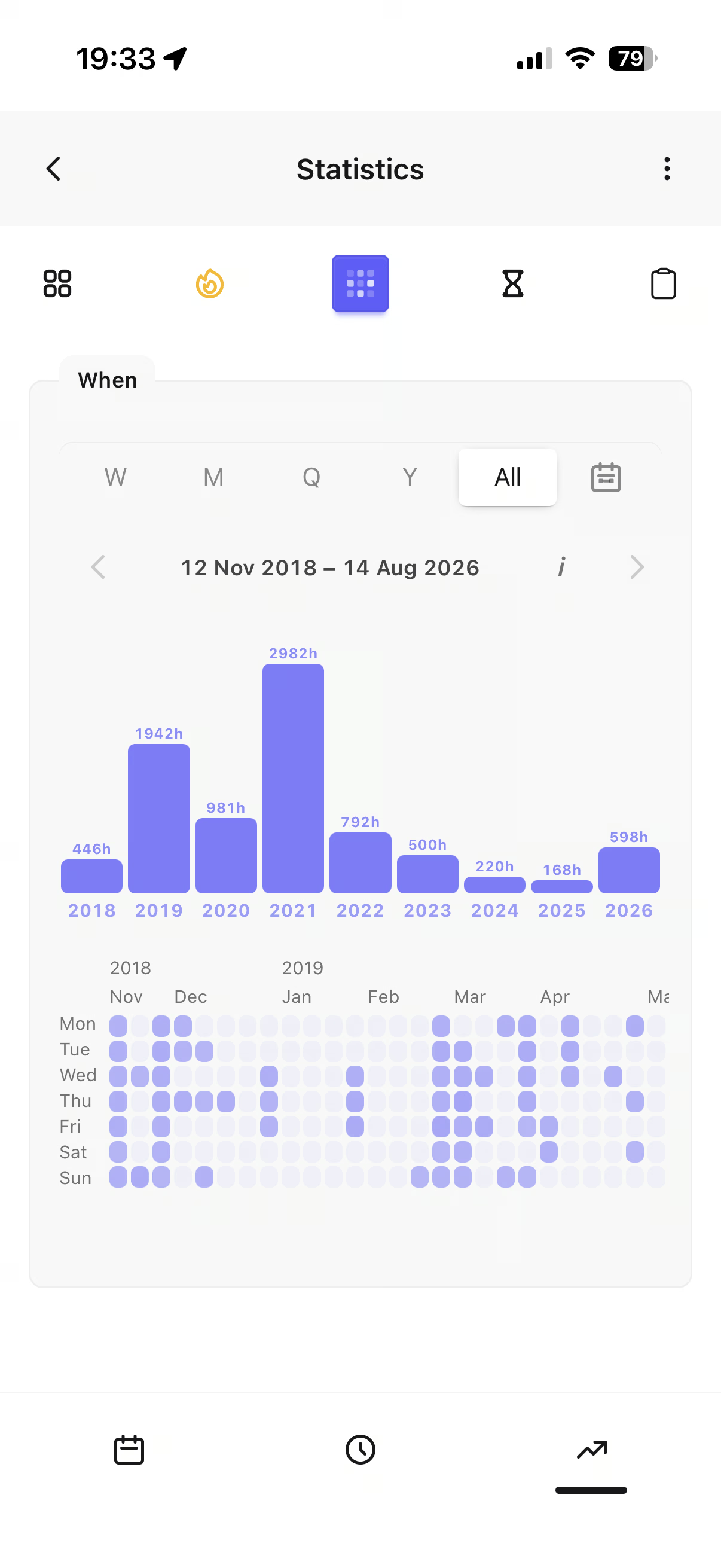
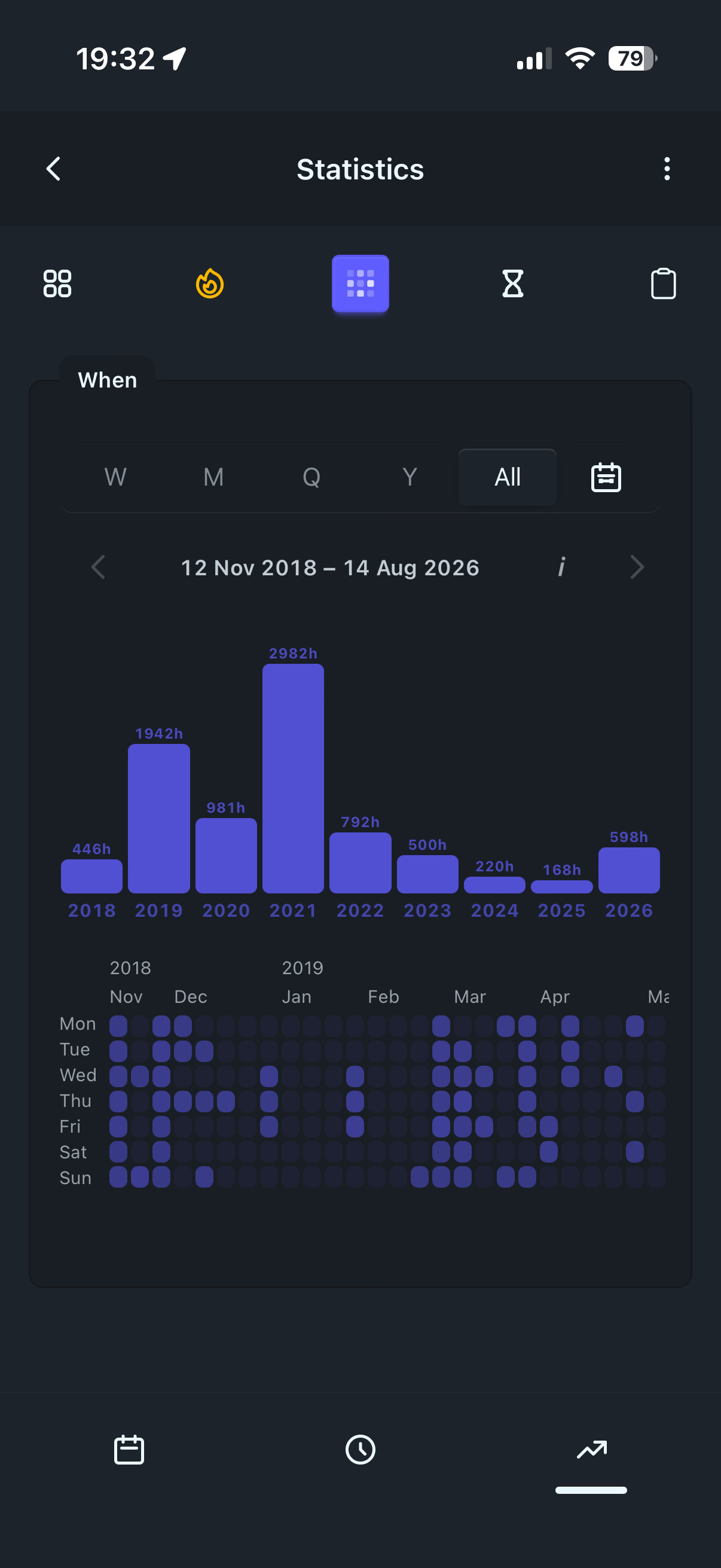
When you fast. How long. Which streaks.
Stats show fast length, weekday patterns, and streaks in numbers. We’re still working to surface interesting behavioral patterns and any other signals that give the best view of how fasting relates to you over time.
Your fast matters — not a meal plan
We measure the fast; the eating window and what happens in it stay yours. The system estimates the calorie load of your meals from body weight you share — entered manually, imported from a file, or via integrated sync* with the Health app on iOS. The app will not tell you what to eat. Or even when. It does not care about nutrients or meal ingredients, and the eating window is merely a derivative of your fasts.
From the founder
Why I built itStart free
Full fasting app from day one.
Fasting time counter, calendar, stats, and guest mode are ready today. Start without an account and without a paywall in daily use. Optional Pro add-ons may appear later — they stay out of the way, never as nagging modals that interrupt a fast.
- Works as guest Full use on your device with no account. Offline local-first once the app is running: start, end, and edit fasts without a network; sync* to the cloud when you’re back online if you connect an account.
- Your history Export and import backups (ZIP + password); import from other apps too — so your data stays yours.
- No nagging paywalls We will not interrupt a fast — or the rest of daily use — with upgrade modals. If add-ons appear, they stay optional and out of the way.
- Account & cloud sync Connect an account when you want multi-device sync*, cloud history, and calm weight tracking against estimated TDEE — total daily energy expenditure, roughly how many kilocalories you burn in a day — no food diary.
- Metabolic estimate Soft phases and fat/ketones/glycogen on the timer — physiology-model estimates, not a medical reading.
Home screen
Add it like an app
For now Stay at Zero is an SPA (Single Page Application) — a web app that runs in the browser as one page. Native apps for mobile devices are planned for both iOS and Android. They will keep the app’s character 100% intact while unlocking new capabilities — such as reading data directly from devices, or optional notifications / reminders about your fasts.
To install the app on iOS or Android:
- iPhone (Safari): Share → “Add to Home Screen”
- Android (Chrome): menu ⋮ → “Install app” / “Add to Home screen”
Privacy in the DNA
Local-first
Your data reaches the cloud only as an option — if you choose it. Guest history stays on the device by default, for an app that keeps its full functionality. Analytics and any collection of user information run only after you accept. Read the Privacy Policy.
Start with Stay at Zero
Start without an account. Connect when you’re ready to sync. No install wall, no paywall modal — just the web app.
*Work in progress.